Ghostwrtr lets you create music in Ableton Live without having to learn a complicated interface. Describe a beat, genre, mood, instrument, or full song idea in natural language, and it builds the track for you. Go from inspiration to a real session fast, then shape the parts however you want.
From idea to track — without the UI friction.
01 / INSIDE THE STUDIO
An idea becomes something you can touch.
Real controls. Editable parts. A plan you see before the build.
ACTUAL INTERFACE · SAMPLE SESSION
Start with a groove, a reference, or a change to your current session. These screenshots show the working interface with illustrative session data.
02 / FROM INSTINCT TO INSTRUMENT
You direct. Ghostwrtr gets to work.
A conversation with your session, one approved idea at a time.
01
Describe the feeling.
“A rolling bass. Dry drums. An alien synth with a wet delay.” Set the direction in plain language, with the details that matter to you.
02
Choose the ingredients.
See the proposed sounds, rhythms and structure. Remove a part, add a direction, revise the brief. You approve what gets built.
03
Keep shaping it in Live.
Ghostwrtr writes MIDI and works with instruments and effects. Open a clip, move a note, turn a filter. The session stays editable.
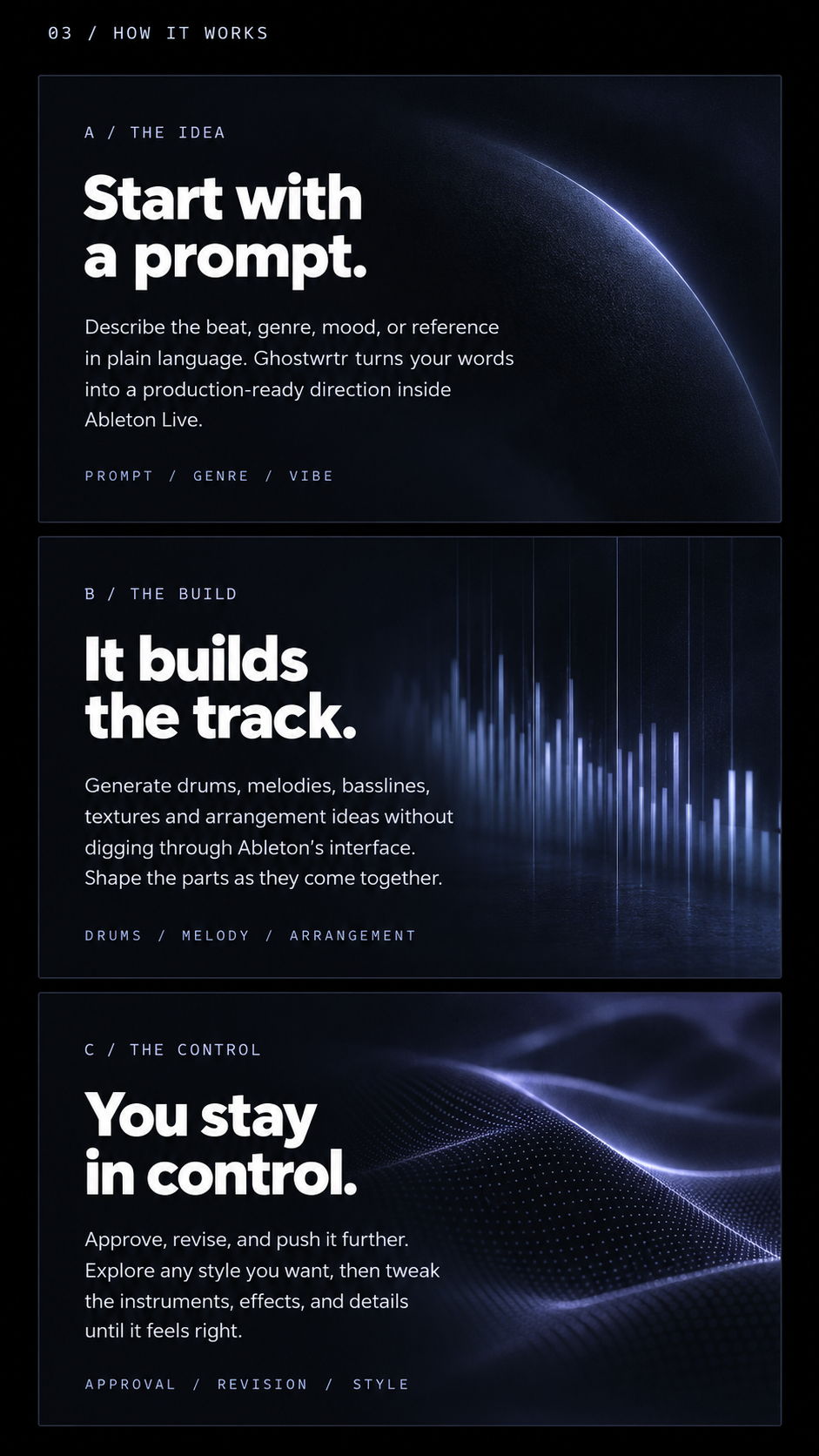
03 / How it works
Start with a prompt.
Describe the beat, genre, mood, or reference in plain language. Ghostwrtr turns your words into a production-ready direction inside Ableton Live.
Prompt / Genre / Vibe
It builds the track.
Generate drums, melodies, basslines, textures and arrangement ideas without digging through Ableton's interface. Shape the parts as they come together.
Drums / Melody / Arrangement
You stay in control.
Approve, revise, and push it further. Explore any style you want, then tweak the instruments, effects, and details until it feels right.
Approval / Revision / Style
04 / GET IN EARLY
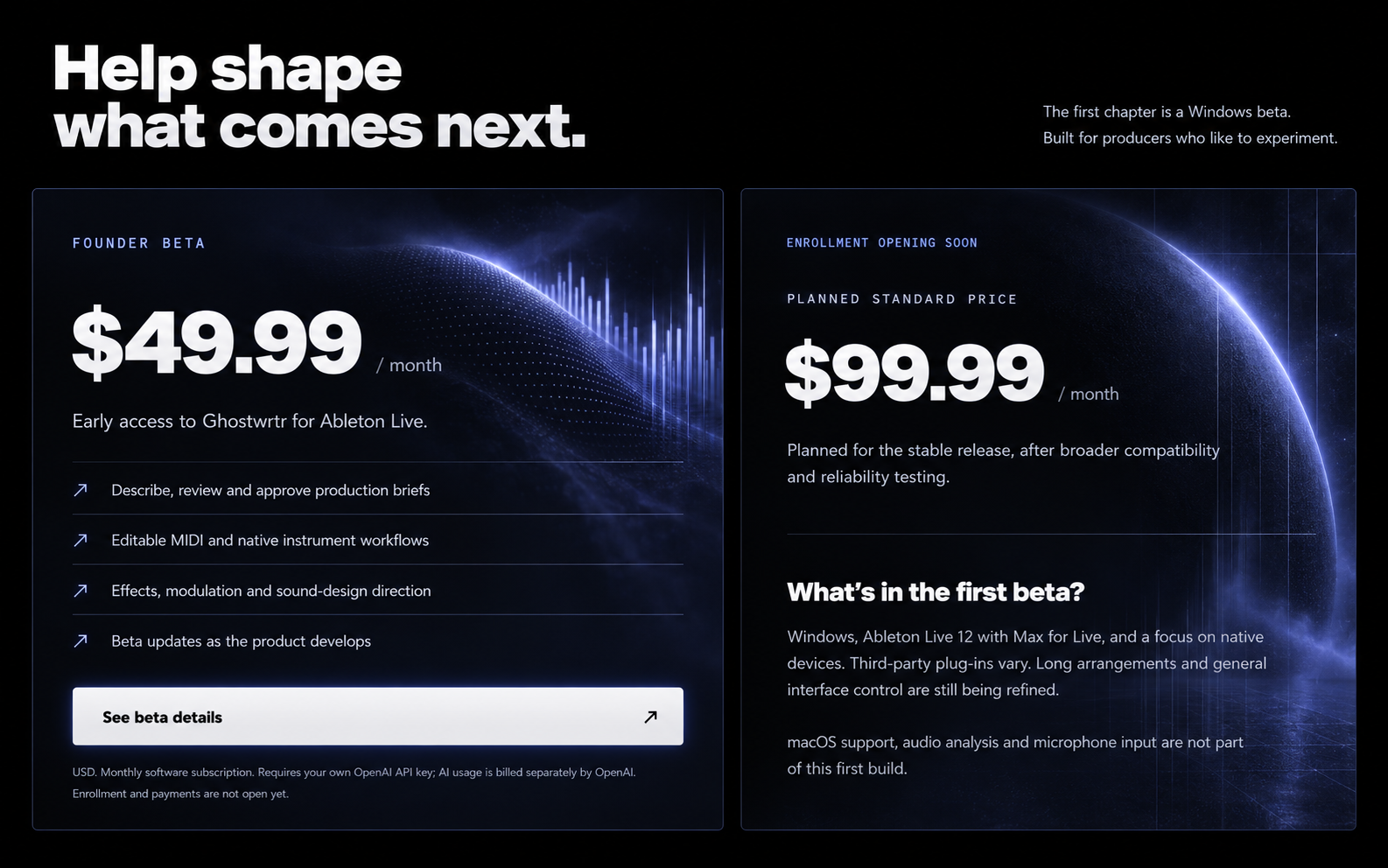
Help shape what comes next.
The first chapter is a Windows beta. Built for producers who like to experiment.
FOUNDER BETAENROLLMENT OPENING SOON
$49.99/ month
Early access to Ghostwrtr for Ableton Live.
Describe, review and approve production briefs
Editable MIDI and native instrument workflows
Effects, modulation and sound-design direction
Beta updates as the product develops
USD. Monthly software subscription. Requires your own OpenAI API key; AI usage is billed separately by OpenAI. Enrollment and payments are not open yet.
Help shape what comes next.
The first chapter is a Windows beta. Built for producers who like to experiment.
USD. Monthly software subscription. Requires your own OpenAI API key; AI usage is billed separately. Enrollment and payments are not open yet.
BEFORE YOU PLUG IN
A few things to know.
Is this a plug-in or a separate DAW?
Ghostwrtr is a Max for Live device. Drop it on a MIDI track and open its studio panel. The music lives in your Ableton Set.
What will I download, and how does it install?
Invited beta users can download the Windows ZIP from their account. Extract it and run “Install Ghostwrtr.cmd.” It verifies the files, installs the Max for Live device into your Ableton User Library and backs up an existing installation when updating. Close Live before installing.
Open Live, find Ghostwriter.amxd and drag it onto a MIDI track. Connect your account from the studio panel, then add your OpenAI key. This private beta installer is unsigned; broader compatibility testing and a signed customer installer are still ahead.
What do I need to run it?
The current build targets Windows and Ableton Live 12 with Max for Live. Development testing has been on Live 12.4.6. The beta compatibility list and installer will be finalized before enrollment opens.
Will it work with every plug-in I own?
That is the direction we're building toward. The first beta focuses on native Live devices. Third-party plug-in control and complex arrangements need more compatibility testing; universal support is not promised.
Does the monthly price include AI usage?
No. The first beta uses your own OpenAI API key. The Ghostwrtr subscription covers the software; OpenAI bills your AI usage separately. The key is encrypted for your Windows user. During generation it passes through Ghostwrtr’s hosted AI service to OpenAI and is not saved in the server database.
Does it listen to a song or copy a reference?
The current build takes text direction. You can describe a reference and the qualities you like, but it does not listen to recordings, identify a hummed melody, or promise to reproduce a track.
Can I subscribe today?
Not yet. The page previews the founder offer. Private beta accounts are invitation-only. Checkout and subscription management will be connected before paid enrollment opens.